Interactive Product Visualizer
Blinds & Shades Studio
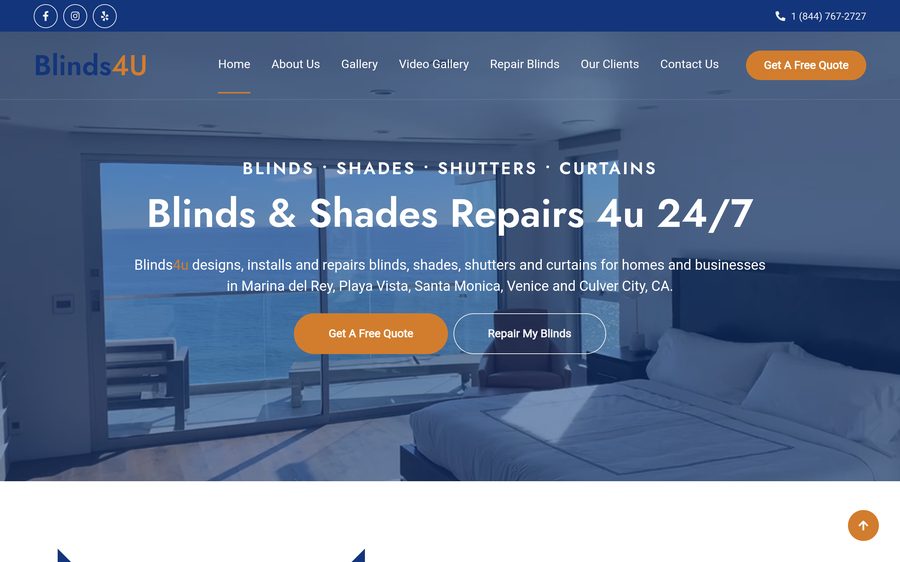
A browser-based visualizer we built for Blinds4U that lets customers upload a photo of their own room, drop in a window treatment, and see exactly how it will look before they buy.
How It Works
Blinds & Shades Studio is a real-time visualizer we built for Blinds4U so their customers can try window treatments on a photo of their own room before ordering anything. Everything runs in the browser — no app to install, no account required.
1. Upload a Photo
Drop in a picture of the room, or start with a demo room to explore the tool first.
2. Fit the Window
Auto-detect finds the window frame automatically, or drag the corner points to fit it by hand.
3. Pick a Style
Choose from Venetian, Roller, Roman, Vertical, Cellular, Shutter or Woven Wood, then dial in the color, fabric and opacity.
4. Animate & Save
Watch the slats lift and tilt in real time, fine-tune the fit, then download a preview image to keep or share.
How To Use It
- Add your room. Click the upload area and choose a photo of the window you want to treat, or click “Use demo room” to try the tool without a photo.
- Locate the window. Click Auto-detect and let the tool find the window edges, or choose “+ Add manually” and draw the window yourself. Drag the corner dots to line the frame up exactly.
- Choose a style. Pick a blind, shade or shutter style from the Style panel.
- Set the color and fabric. Select a custom color and a material — Sheer, Light Filtering, Room Darkening or Blackout — to match the light control you want.
- Fine-tune the fit. Adjust the slat/vane count, tilt angle and raise/lower position until it looks right.
- Animate and download. Press Animate to preview the blind opening and closing, then use Download Preview PNG to save the image.
Try the live tool: Blinds & Shades Studio.
Frequently Asked Questions
Want something like this for your business?
Tell us about your business and we'll put together a plan built specifically for what you need.